
Downloading videos on a Jio Phone is something many users struggle with. Unlike smartphones, you don’t get a direct download option for YouTube videos.
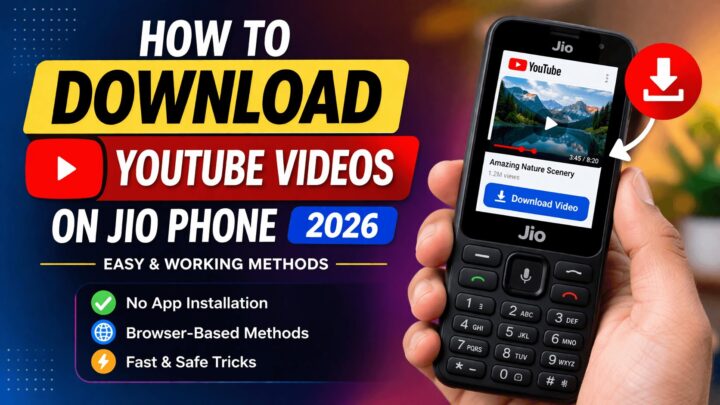
If you’ve been searching for a simple way to Download YouTube Videos on Jio Phone, this guide will walk you through safe and practical methods that actually work.
Why Downloading YouTube Videos on Jio Phone is Difficult
Jio Phone runs on KaiOS, which is not as advanced as Android. Because of this limitation, users cannot install powerful apps or tools that help in downloading videos.
Most of the time, you can only stream videos online. There is no official option to download videos directly to your phone storage (except for limited offline viewing inside YouTube).
This is the reason why many users look for alternative solutions.
Things You Should Know Before You Start
Before you try any method to Download YouTube Videos on Jio Phone, it’s important to stay aware of common mistakes.
Many websites and videos claim that special apps can help you download anything on Jio Phone. In reality, most of these apps either don’t work or can be unsafe.
To avoid problems:
- Do not install unknown apps
- Avoid suspicious download links
- Always use browser-based methods
These precautions will keep your device safe and working smoothly.
Method 1: Download YouTube Videos on Jio Phone Using Websites
The easiest and most reliable method is using online video downloader websites.
First, open your Jio Phone browser and go to YouTube. Play the video you want to download. After that, copy or note the video link and open a video downloading website.
Paste the link into the website, select the video quality, and tap on the download button. The video will start downloading to your device.
This method works well because it doesn’t require any installation and is supported by most Jio Phones.
Method 2: URL Trick to Download YouTube Videos on Jio Phone
If you want a faster method, you can use a simple URL trick.
Open YouTube in your browser and play the video. Then go to the address bar and modify the link by replacing “www” with “ss” or adding “video.gen” before the URL.
Once you press enter, a new page will open where you can choose video quality and download the file.
This trick is quick and very popular among Jio Phone users.
Best Video Quality Settings for Jio Phone
Choosing the right video quality is important for smooth playback. Since Jio Phone has limited performance, high-quality videos may lag or not play properly.
Here’s a quick guide:
| Video Quality | Performance on Jio Phone | Recommendation |
|---|---|---|
| 144p | Very Smooth | Best Option |
| 240p | Smooth | Recommended |
| 360p | Average | Use if needed |
| 720p | Lagging / Not Supported | Avoid |
Downloading lower-resolution videos ensures better performance and less storage usage.
Is It Safe to Download YouTube Videos on Jio Phone?
Downloading videos is safe if you follow the correct approach. The safest way is using trusted websites through your browser.
Avoid downloading files from unknown sources or clicking on fake buttons. Many sites show multiple download buttons, but only one is real.
Always double-check before clicking.
Tips for Better Experience
To make your downloading experience smoother, you should use a stable internet connection. Slow internet can interrupt downloads or corrupt files.
Try downloading videos during off-peak hours for better speed. Also, keep your phone storage free so downloads don’t fail.
Using lower video quality not only improves playback but also reduces buffering issues.
Read More: Best SEO Services In India | Top SEO Company for #1 Rankings
Conclusion
Even though Jio Phone does not provide a direct way to download videos, you can still Download YouTube Videos on Jio Phone using simple browser-based methods.
The key is to avoid apps and rely on safe techniques like downloader websites and URL tricks. These methods are easy, effective, and work on most devices.
By following the steps in this guide, you can enjoy your favorite videos offline anytime without facing issues.
FAQs
Can I download YouTube videos directly on Jio Phone?
No, there is no direct option to download videos outside the YouTube app.
Which method is best to Download YouTube Videos on Jio Phone?
Using browser-based websites is the safest and most reliable method.
Do apps work for downloading videos on Jio Phone?
Most apps do not work properly and can be unsafe.
What is the best video quality for Jio Phone?
144p or 240p is ideal for smooth playback.
Is it safe to download videos using online tools?
Yes, if you use trusted websites and avoid suspicious links.
